
Hopp vs Tuple vs CoScreen vs Drovio vs Pop
Five dedicated pair programming apps compared. What each one does well, what gets in the way, and which one fits your team.
On this page
Overview
There are different kinds of remote pair programming tools: generic screen-sharing tools, IDEs with collaboration features, and purpose-built apps.
Purpose-built apps are screen-sharing tools optimized for frictionless collaboration. They typically use more bandwidth and handle fewer people in a call compared to generic tools like Zoom or Teams. In return you get lower latency, higher quality screen sharing, smooth remote control, and multi-cursor support. The goal is to make you feel like you're working side by side.
Here's a quick comparison (pricing changes, so treat this as a starting point):
| Tool | Platforms | Guest join in browser | Self-hosted | Open source | Typical price |
|---|---|---|---|---|---|
| Hopp | macOS, Windows | Rooms only | Yes | Yes | $15/user/mo |
| Tuple | macOS, Windows, Linux (Alpha) | No | No | No | $30/user/mo |
| CoScreen | macOS, Windows | Yes | No | No | Free / $20/user/mo (25+ seats) |
| Drovio | macOS, Windows, Linux | Yes | Enterprise on‑prem | No | Free / $15–$30/user/mo |
| Pop | macOS, Windows, Linux, Web | Yes | No | No | Free / $25/user/mo (enterprise) |
If you think a tool is missing, feel free to contact me.
Hopp
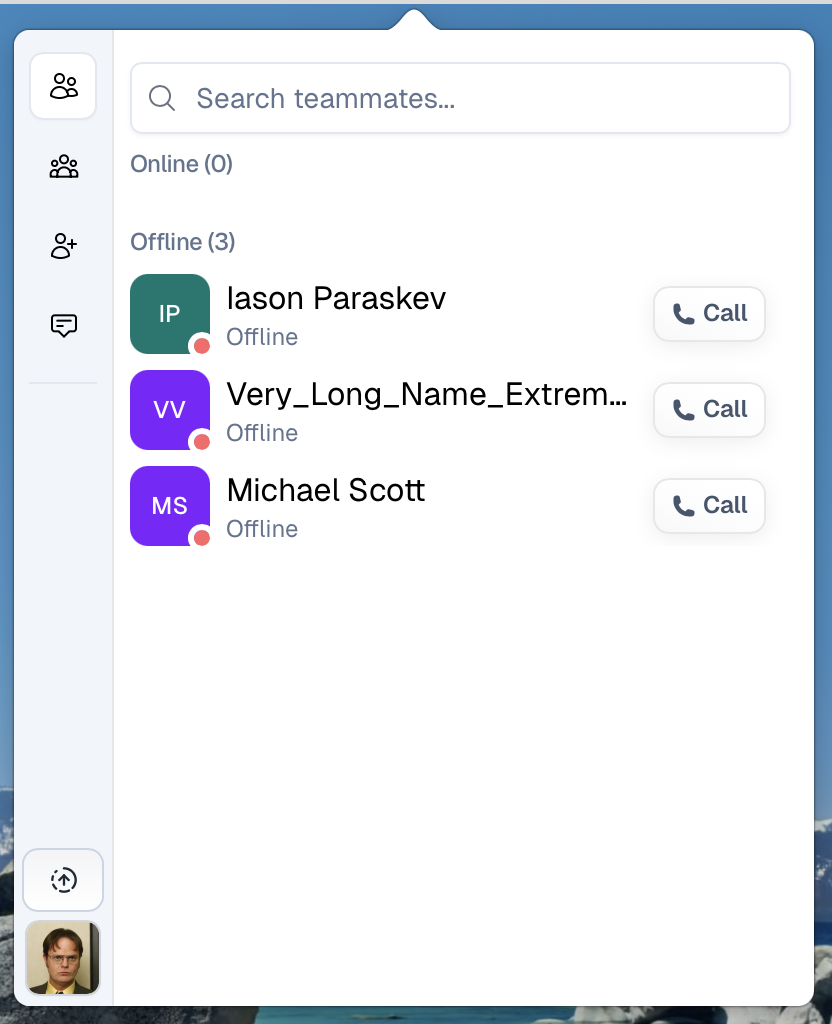
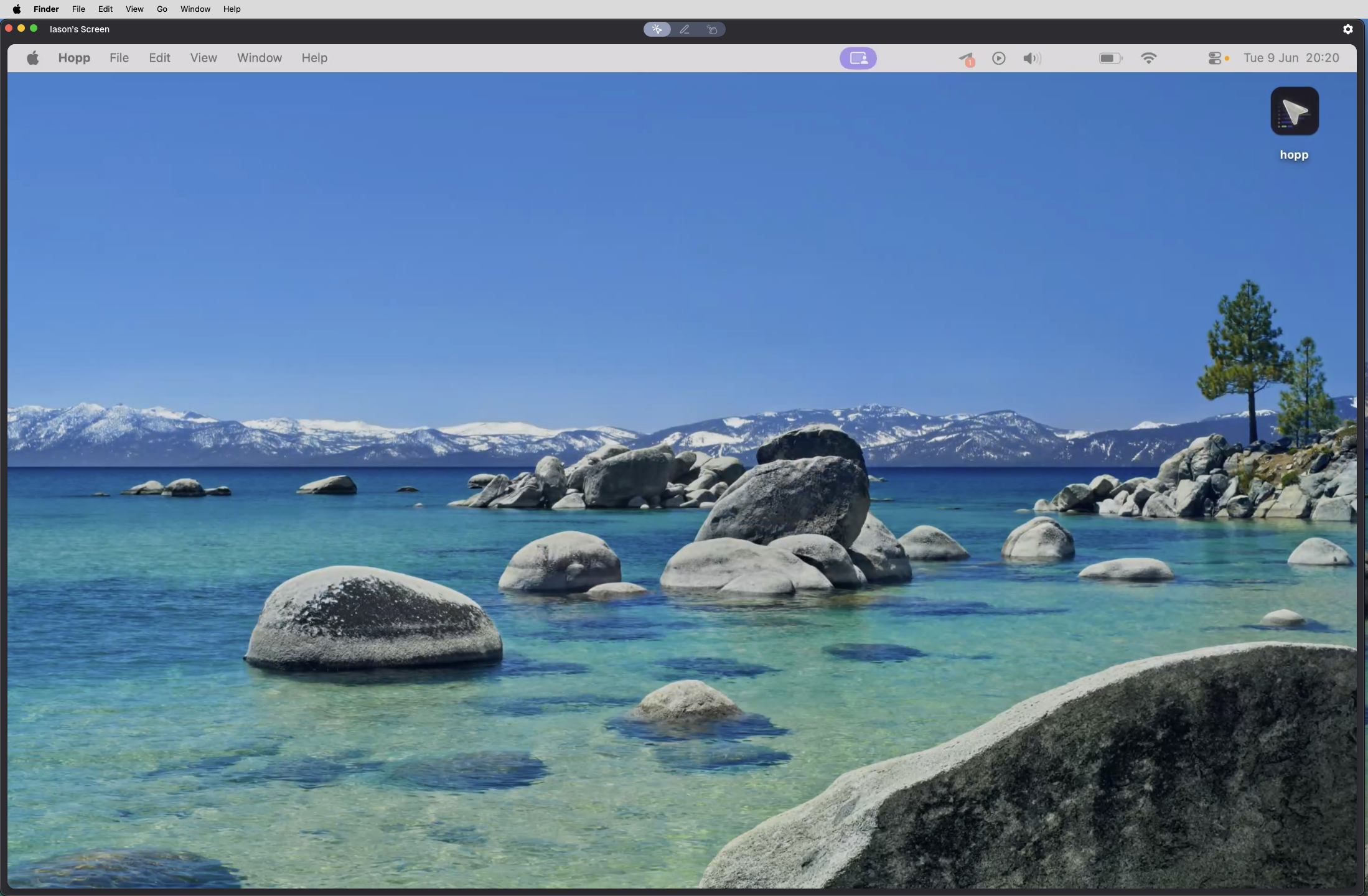
Hopp is our app and the only open-source tool in this list. It supports 1:1 calls and persistent rooms for small groups, with screen sharing that defaults to 4K and built-in remote control. You can share a full screen or individual windows. Annotations can stick around until you clear them or auto-clear.
It runs on macOS and Windows. If you use rooms, guests can join from a browser.
On the integration side there’s Slack support, and because it’s open source you can self-host the whole thing. The hosted version is $15/user/month.
Tuple
Tuple is probably the most well-known dedicated pairing app. The focus is high-fidelity screen sharing and responsive remote control, with a workflow tuned for engineers. You can share a full screen or just a region.
It runs on macOS, Windows, and Linux (still in alpha), and it’s a desktop-only experience.
It integrates with Slack, Microsoft Teams, and Google Calendar. It’s proprietary with no self-hosting option, so it won’t work for air-gapped setups.
Pricing is $30/user/month, making it the most expensive tool on this list.
CoScreen
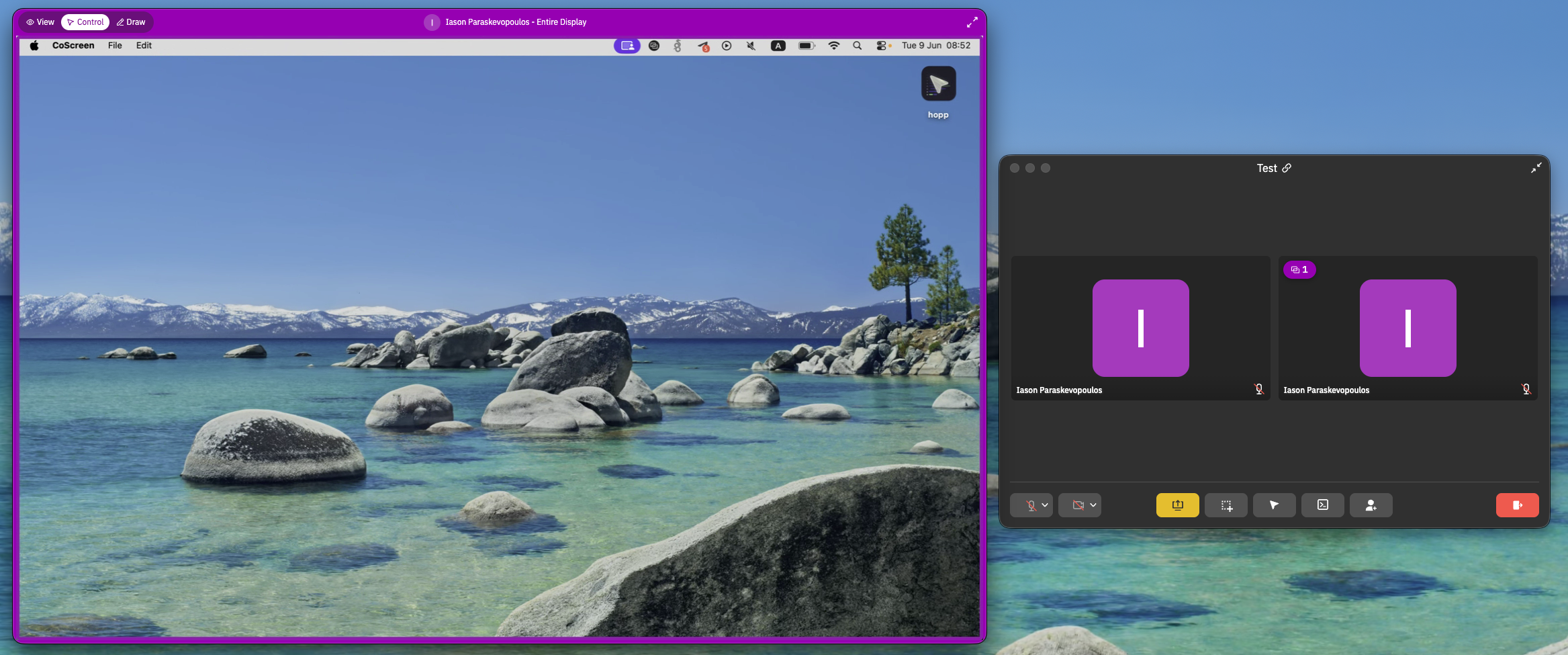
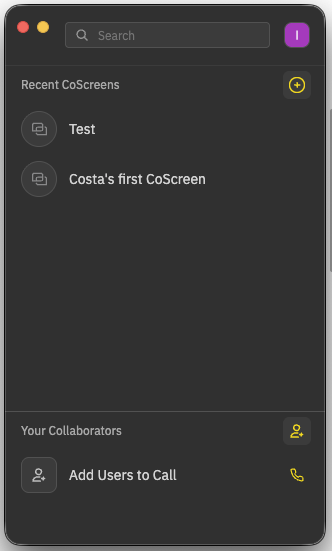
CoScreen takes a different approach: instead of one person presenting, multiple participants can share different windows into the same call.
You can share a full screen, a region, or just a single window. On top of that there are annotations and a shared terminal concept called CoTerm. It runs on macOS and Windows, with a Slack integration and a few others listed on their site. It’s proprietary with no self-hosting option.
Pricing is free for individuals and $20/user/month on the enterprise plan (25+ seats).
One thing to keep in mind: CoScreen was acquired by Datadog in 2022, and since then updates have become less frequent.
Drovio
Drovio (previously USE Together) is a collaborative screen-sharing tool with multi-cursor control and browser-based guest joining. You can share a full screen, a window, or a region, and viewers can adjust stream quality on their end, though sharing isn’t 4K (at least it wasn't in my test).
It runs on macOS, Windows, and Linux. There’s built-in chat and integrations with Slack and Microsoft Teams.
It’s proprietary, but there’s an enterprise on-prem option for teams that need it. Pricing starts at free, with paid tiers around $15–$30/user/month.
Worth noting: Drovio doesn't seem actively developed, there was an update in 2026, but the previous one was back in 2023.
Pop
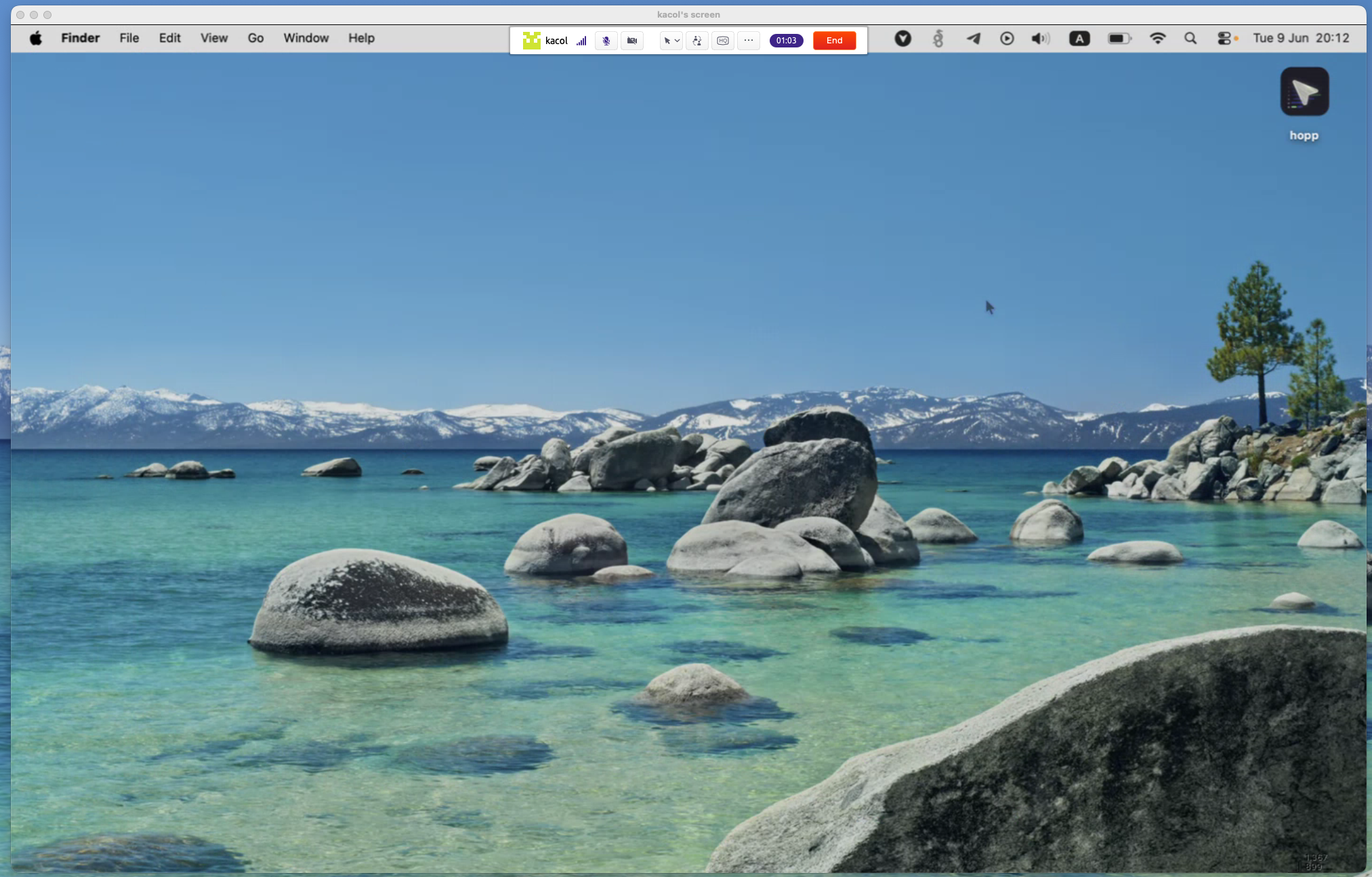
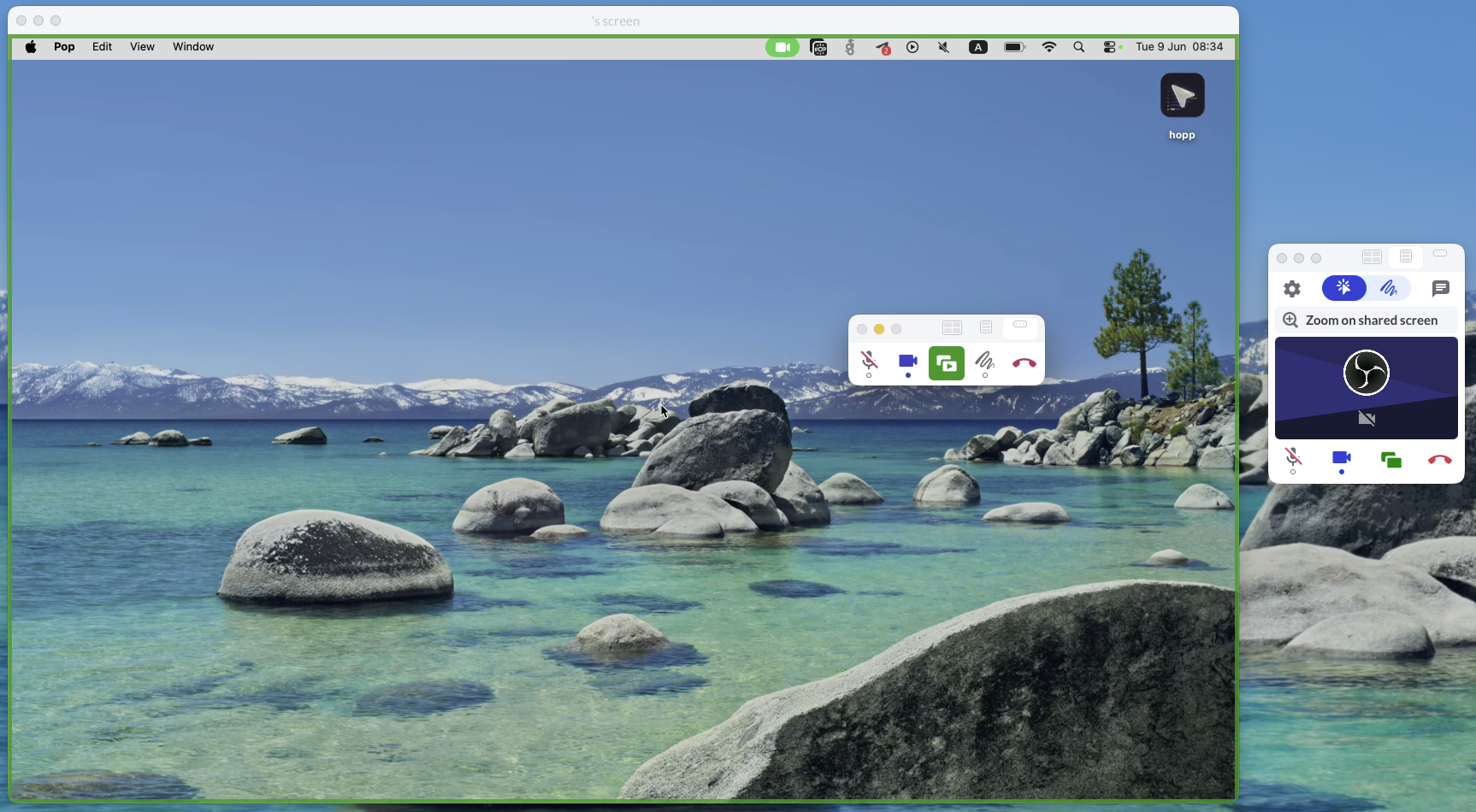
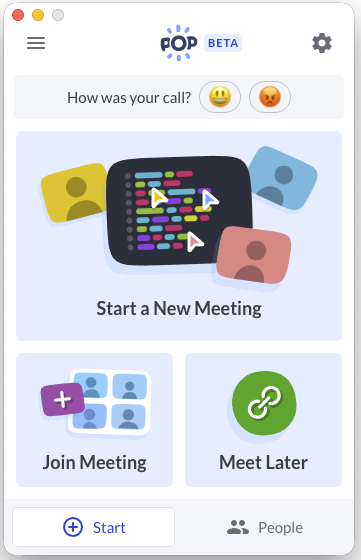
Pop is a multi-cursor screen-sharing tool built around link-based joining. It supports shared control, annotations, and chat. One unique touch: you can use annotations without sharing a screen, which makes it handy for quick whiteboarding when nobody wants to open a separate tool.
It runs on macOS, Windows, and Linux, and guests can also join from the web. There’s a Slack integration. It’s proprietary with no self-hosting option.
Pricing is free, with an enterprise tier around $25/user/month.
Pop hasn’t been updated since 2021.
How to Choose an App for Pair Programming
If you want something free, start with Pop, Drovio, or CoScreen. Drovio’s free plan has limits, remote control is capped at 30 minutes/day and 2 participants.
If you care about active maintenance, choose Hopp or Tuple.
If you want to support open source, choose Hopp. It’s the only OSS option here.
If you’re security-focused and need an air-gapped setup, your practical options are Hopp (self-host) or Drovio (enterprise on‑prem). Drovio may cover more enterprise boxes, but it isn’t open source.
If you need Linux, Pop and Drovio are the mature picks. Tuple’s Linux build is still alpha.
If you want maximum maturity and don’t mind paying, Tuple is the leader. Hopp is newer and closing the gap.
FAQ
If you pair frequently, purpose-built pair programming apps can make a difference because the UX is built around collaboration. Traditional screen-sharing tools are missing key features or have them hidden.
Pair tools share and control the whole desktop (any app, browser, terminal, debugger UI). Collaborative editors share the code buffer and editor context. Both can work for remote pairing; if you want editor based pairing, see our remote pair programming IDEs guide.
Yes. AI helps you generate and explore options, but pairing is still about shared context and fast feedback. Human collaboration is even more important now to review better and faster AI code.